
Securing Enterprise Mobile Apps With LoginRadius
Mobile auth is harder than web auth. Here is how we approached enterprise mobile security at LoginRadius and what every team should ship.
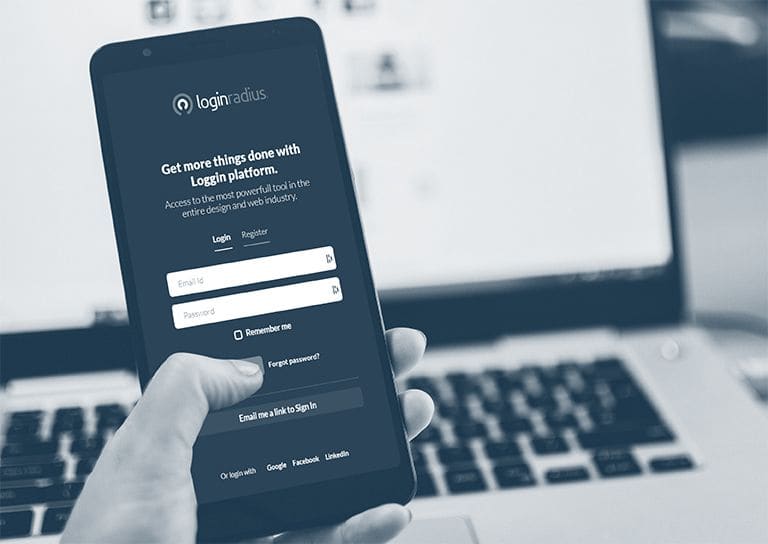
Enterprise mobile apps are where most identity systems quietly fall apart. The web side gets the security review and the budget. The mobile side gets a SDK and a deadline. A year later, the breach reports show a mobile path nobody had threat-modeled.
At LoginRadius we built mobile-first authentication because enterprise customers told us, repeatedly, that their mobile apps were carrying the real workload and the real risk. Here is what I learned about getting it right.
The mobile threat model is different
A web session lives in a browser the user controls and a server you control. A mobile session lives on a device the user controls, in an app you ship, talking to a server you control. The middle layer (the device, the app binary, the local storage) is a category of attack surface the web does not have.
The implications:
- Tokens stored in shared preferences are extractable from a rooted device in minutes.
- A leaked API key inside the binary becomes public the moment someone runs strings on the APK.
- An app that does not pin certificates is one coffee shop away from a man-in-the-middle.
- Reverse engineering of the auth flow is trivial without obfuscation.
What we built into the LoginRadius mobile SDK
Secure storage by default. Tokens stored in the iOS Keychain and Android Keystore, never in shared preferences. Encryption keys tied to the device's hardware-backed enclave where available.
Certificate pinning, but pluggable. Pinning to the LoginRadius CA chain by default, with hot-rotation support so a pin update did not require an app store release. The teams that pin without a rotation plan brick their users when the cert expires.
Biometric and passkey auth as first-class options. Touch ID, Face ID, Android BiometricPrompt, FIDO2 passkeys. The SDK abstracted the platform differences so customers shipped one code path.
Token lifetime tuned for mobile. Short-lived access tokens (minutes), long-lived refresh tokens (rotated on use), and forced re-authentication after risk signals. This is the only way to keep a stolen device from being a permanent intrusion.
Risk-based step-up. The same risk engine the web used, applied to mobile signals: new device, new SIM, jailbreak detection, anomalous location patterns. A trusted device on a known network signed in silently. A flagged device got a challenge.
What enterprise teams should add on top
- App attestation. Use Apple's DeviceCheck and Google's Play Integrity API to confirm the app calling your API is the unmodified app you shipped.
- Mobile threat defense integration. Tools like Zimperium or Lookout can feed risk signals into your auth decisions in real time.
- Out-of-band recovery. Never let a mobile user reset everything from inside the mobile app. A compromised device should not be able to escalate its own privileges.
- Aggressive session binding. Bind tokens to the device fingerprint at issuance. If a token shows up on a different device, revoke it and force re-auth.
The principle
Treat the mobile app as untrusted code running on untrusted hardware in a hostile network. Every defense flows from that assumption. The teams that assume the mobile app is "their" app, running on "their" device, are the ones who end up in the breach reports.
Mobile is where enterprise auth is won or lost in 2026. Plan accordingly.
More like this
All Scams & Cybersecurity- Identity & CIAMBuilding a Secure Login Pathway for SPAs With LoginRadiusSingle-page apps changed how auth works. Here is how we approached SPA security at LoginRadius and the patterns worth keeping.
- Scams & CybersecurityFuture-Proofing Consumer Data Privacy at LoginRadiusDesigning a CIAM platform that survives a decade of changing privacy laws, new threats, and new device types. What we did at LoginRadius.
- Identity & CIAMDigital Privacy: Securing Consumer Privacy With LoginRadiusWhat I learned about consumer privacy from building LoginRadius, and the controls every CIAM platform should expose by default.
Get new Scams & Cybersecurity writing
Enjoyed this? Subscribe and tell us what you read most. Scams & Cybersecurity is already ticked for you. No tracking pixels, unsubscribe with one click.